Equipment inspection act
The condition of the equipment by inspection stages — with photos and a conclusion for each stage and an overall conclusion at the end. Suits intake, return from rental and scheduled inspections.
Sections
- Customer — from the directory.
- Basis for inspection — why the inspection happens: intake for repair, return from rental, scheduled inspection, a request.
- Inspection location — the site, the base, an address.
- Equipment — a unit of the customer's equipment from the directory: make, model, numbers, hours.
- Inspection stages — the core of the act, see below.
- Overall conclusion — whether the equipment is sound and what next: "The equipment is sound and fit for work. Next service in 250 engine hours".
- Signatures — who signs the act on both sides.
Inspection stages
The inspection is split into stages — by unit or by walking order: "Engine", "Running gear", "Hydraulics", "Cab". Press Add stage and fill in:
- the stage name;
- photos of the stage;
- a comment — what is visible;
- the stage conclusion — in order, needs attention, needs repair.
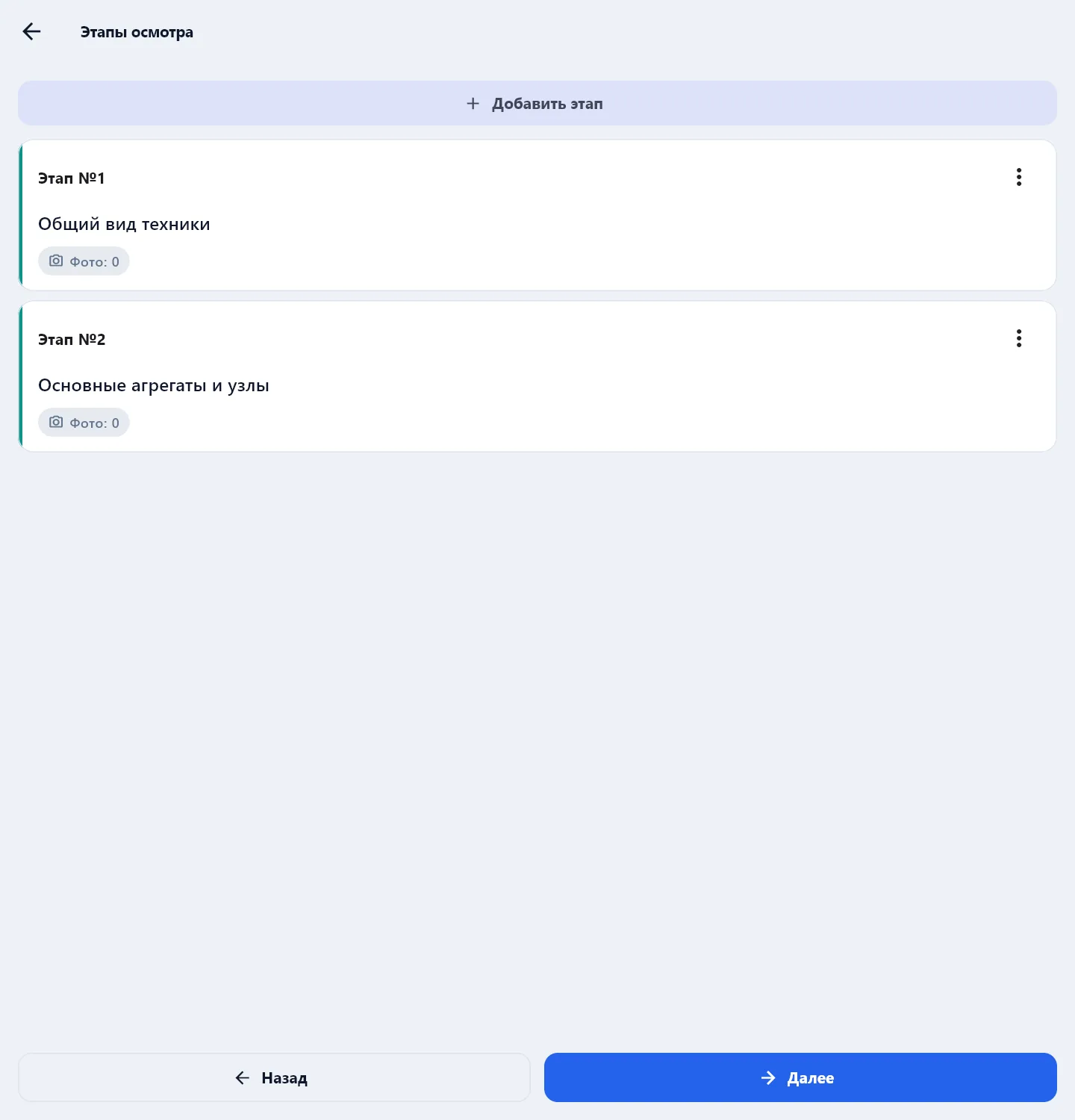
Stages are numbered in order and go into the act together with the photos.
If the inspection finds faults, make a defect report for them — with the Create based on: Defect report button on the act check screen, the customer and the equipment carry over — it will hold the defects, severity and an estimate for the customer to approve.
A blank and a sample of the inspection act are on the site: equipment inspection act.