Jobs from the manager
The dispatcher assigns a job — you see it in the app, accept it and start work. The document for the job opens already filled in.
Where the jobs are
The Company tab → Jobs. Next to it, the number of jobs waiting for your answer. Customer requests are there too.
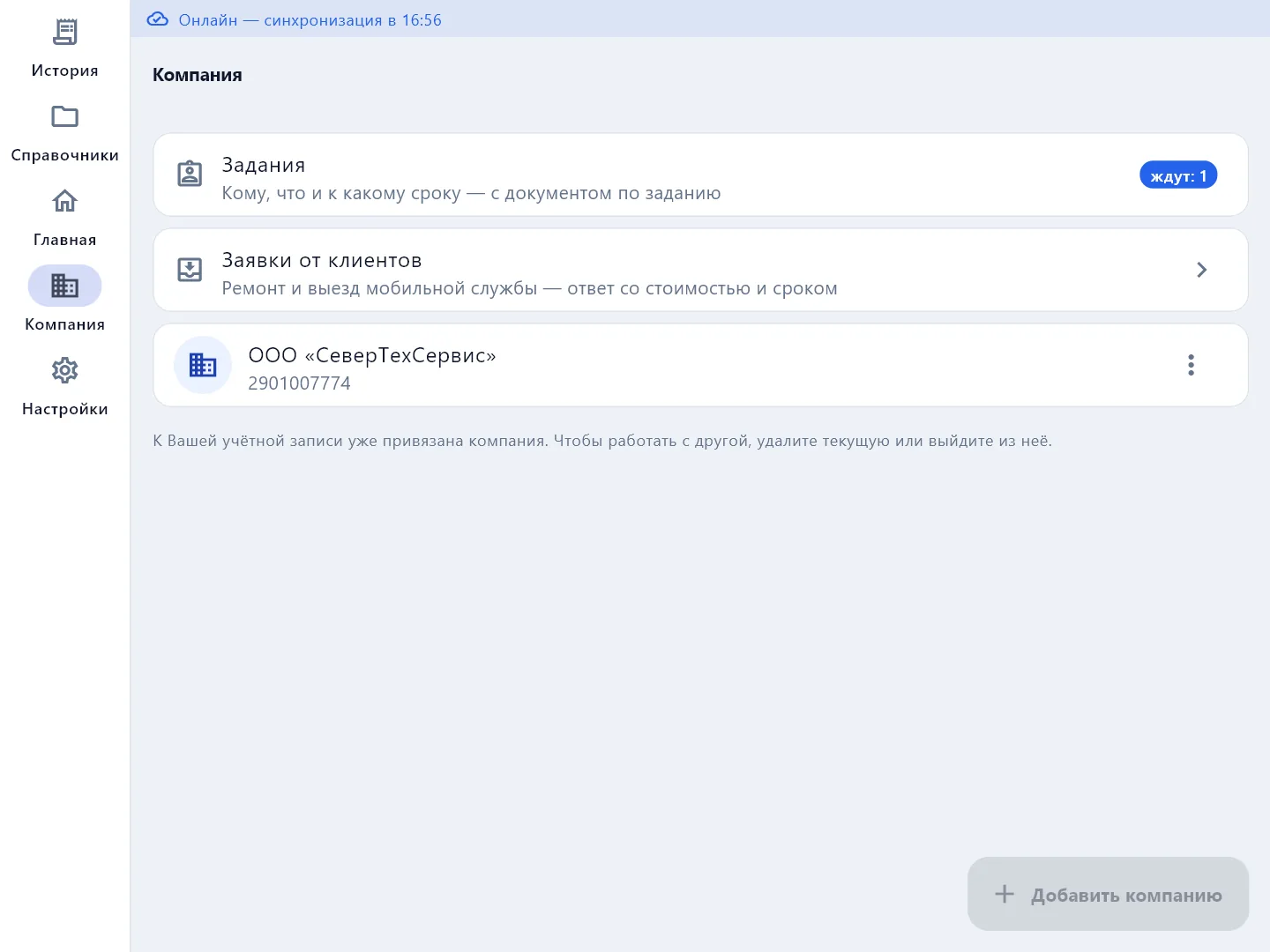
Jobs are available on company plans, when the company has two or more employees.
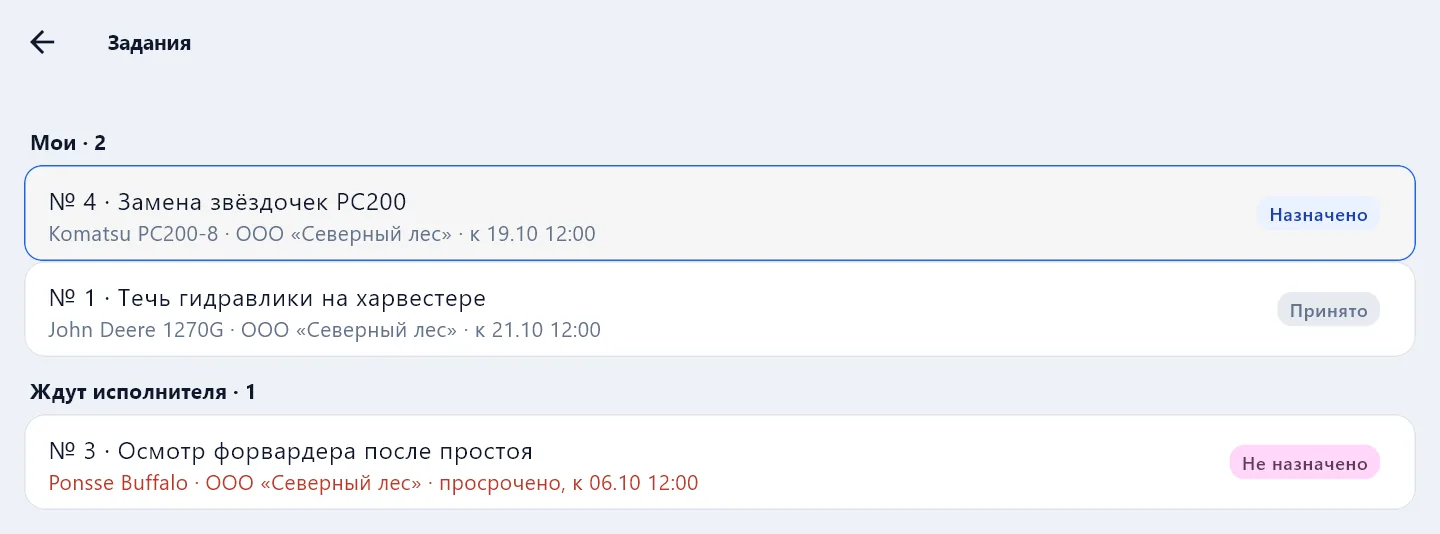
Jobs are grouped:
- Mine — assigned to you and taken by you;
- Waiting for a technician — assigned to nobody, anyone can take it;
- With other technicians — for the overall picture;
- Closed in the last two weeks.
What to do with a job
Open the job: what to do, the equipment, the customer, the address, who meets you on site and the deadline.
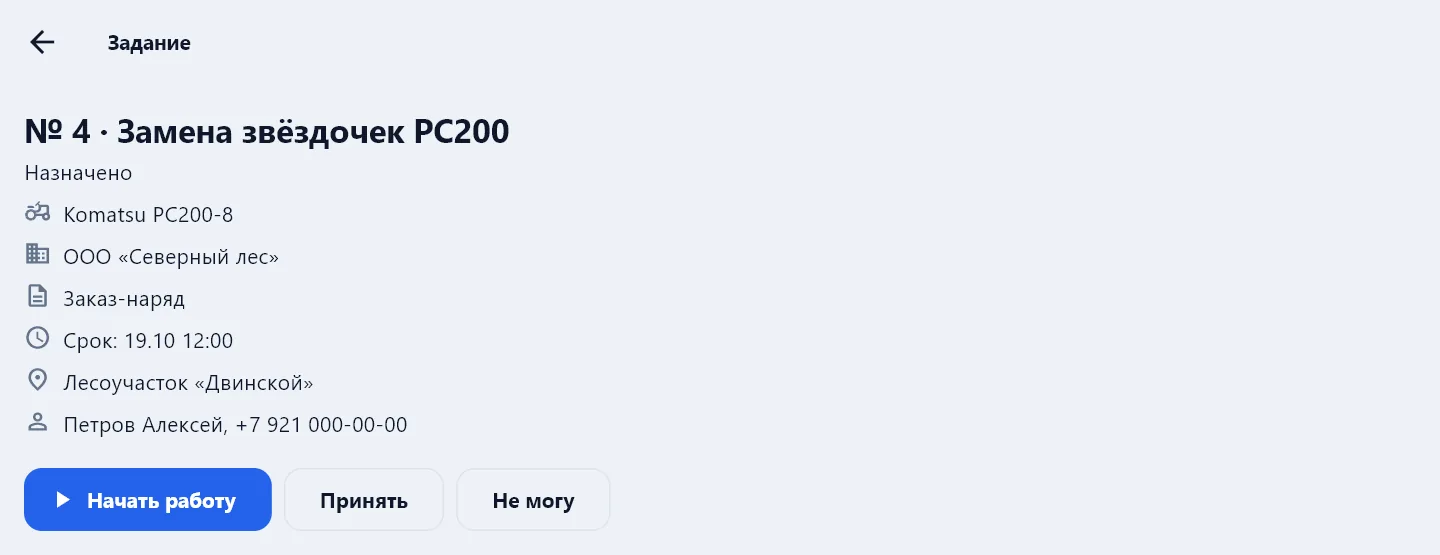
- Take it — for a job from Waiting for a technician.
- Accept — for a job assigned to you.
- I cannot — decline and say why; the manager sees the reason and the job goes back to Waiting for a technician.
- Start work — the app creates the document: customer, equipment, address and the gist are already filled in. If the manager did not choose the document type, the app asks which to make.
- Open document — come back to the job's document later.
The first time, the app asks for your name, position and phone — you will be the technician in documents made from jobs.
Once the PDF for the document is built, the job closes itself.
Offline
The job list is stored on the phone and visible without internet — marked with the moment it was current. Taking or accepting a job, or starting work, is possible only with a connection: that way two people cannot take the same job.
Jobs can also be assigned from the app — the New job button is visible to the manager. Choosing a customer and equipment is easier in the website cabinet, where the whole directory is. More in Dispatch.