Directories in Excel — company data
Export directories as a spreadsheet, correct them or bring them from another program and upload them back — the data reaches employees' phones after sync.
Which directories there are
| Directory | What is in it |
|---|---|
| Customers | Clients: name, tax number, address, branches |
| Customer contacts | The customer's people: name, position, email, phone |
| Equipment | Make, model, plate number, VIN or serial number, hours |
| Parts and materials | Name, article number, price |
| Work types | Name and the labour-hour price |
| Typical defects | Category, name, object group — hints for the mechanic filling a report |
| Employees | An app directory — export only |
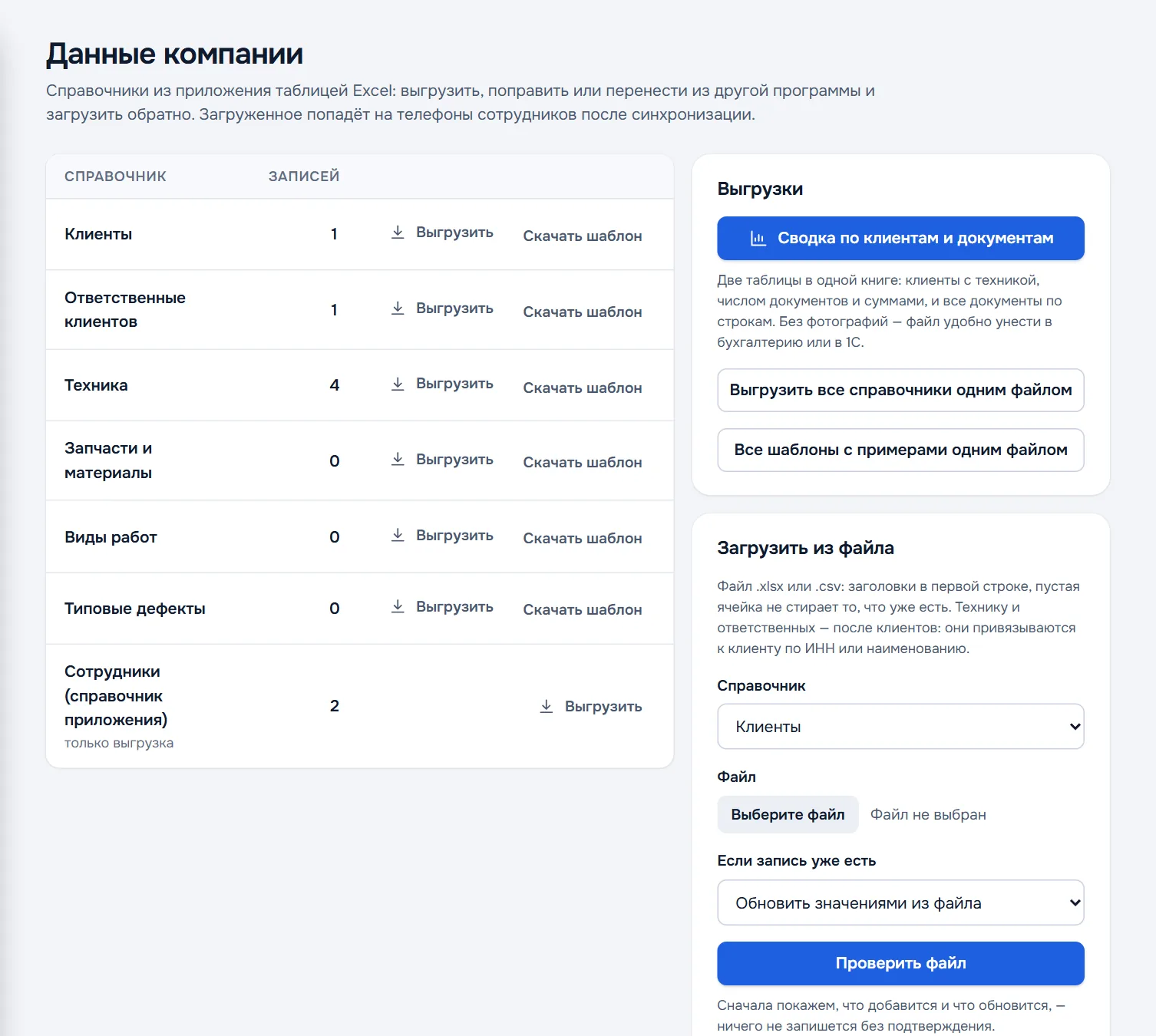
Exporting
- Export on a directory row — one directory as an Excel file.
- Export all directories in one file — every directory at once.
- Summary of customers and documents — two tables in one workbook: customers with equipment, document counts and amounts, and all documents line by line. Without photos — a file that is convenient to take to accounting or to 1C.
Uploading from a file
- Download a template — Download template on a directory row, or All templates with examples in one file. The template has headers and grey example rows.
- Replace the examples with your own data. Columns with an asterisk are required; the rest can be left empty or deleted. An example row left in place is skipped on upload.
- In the Upload from a file block choose the directory and an
.xlsxor.csvfile. - Choose what to do if a record already exists — for example, Update with the values from the file.
- Press Check the file. DefAct shows what will be added and what updated — nothing is written without your confirmation.
Upload order: customers first, then equipment and contacts — they attach to a customer by tax number or name. An empty cell does not erase what is already there.
How DefAct finds an existing record
| Directory | Matched by |
|---|---|
| Customers | Tax number, or the name if there is none |
| Customer contacts | Email within the customer, or the name if there is none |
| Equipment | VIN, chassis or serial number, otherwise make, model and plate number |
| Parts and materials | Article number, or the name without one |
| Work types | Name |
| Typical defects | Category, name and object group |
Directories can also be exported and uploaded in the app — Settings → Import / Export.