Field service software for mobile technicians
DefAct for a service that drives to the customer: the manager assigns a job to a technician, the technician accepts it in the app, and on site opens a document already filled with the customer, the equipment and the address. Once the PDF is made, the job closes itself.
- Dispatch assigns the job — what to do, on which machine, by when and which document to fill.
- The technician accepts the job or declines with a reason; a free job can be taken — two people cannot take the same one.
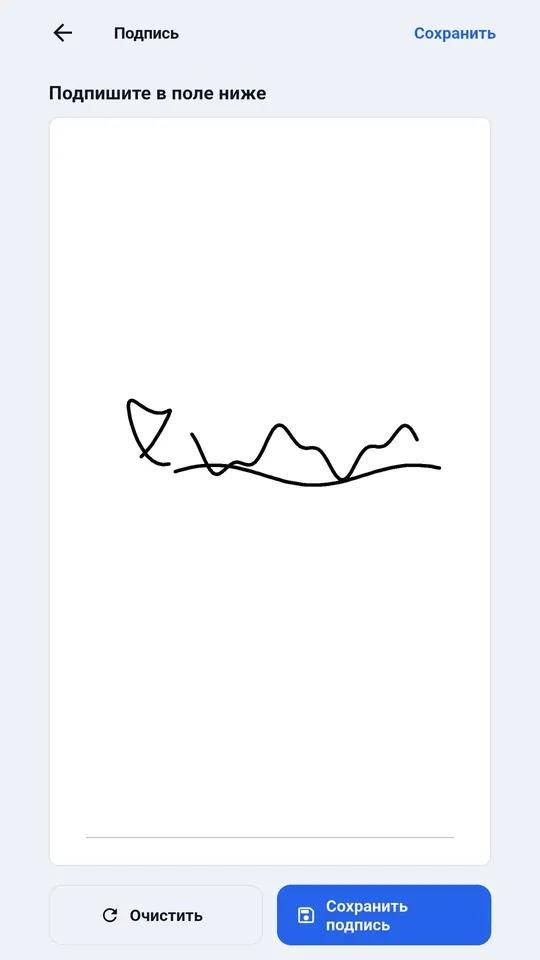
- On site the document is already filled and works offline; photos and the customer's signature are inside it.
- Company plans start at Workshop, when a company has two or more employees; 30 days free.
«Master» — 499 ₽ per month for one user. For companies — from 9 900 ₽ per year for 5 employees up to 99 900 ₽ for 100. The first 30 days are free, no card.
How it looks
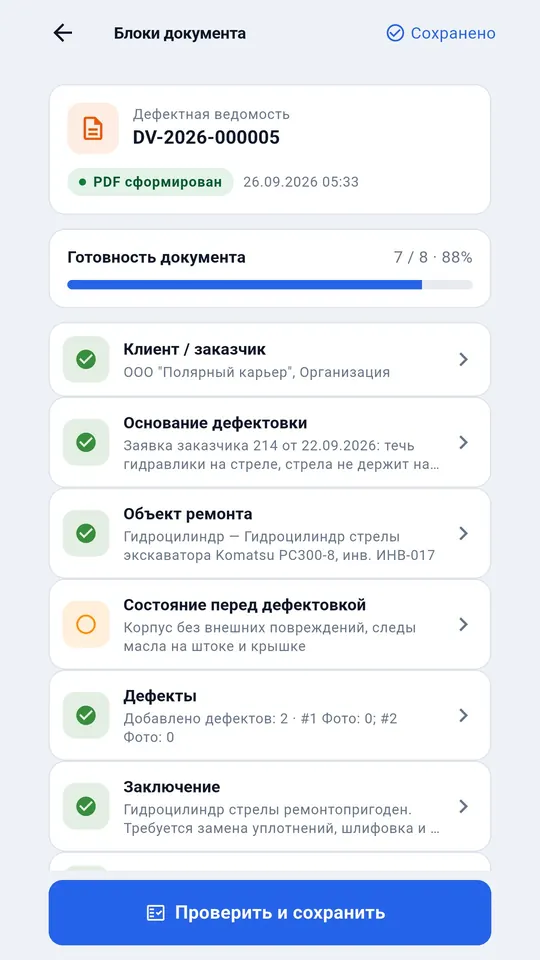
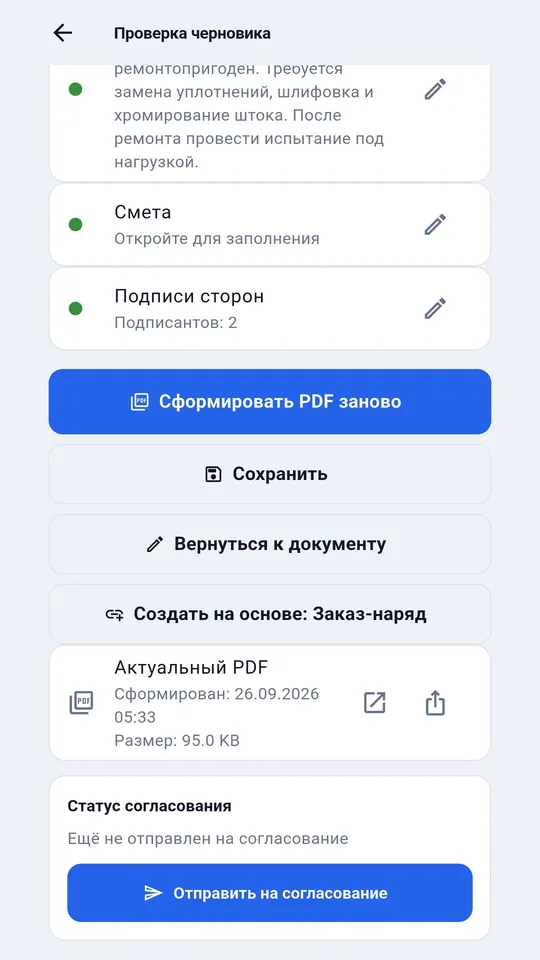
App screens on a demo company; the data is fictional.
What it does
Only what the app does today.
Jobs for technicians
The manager assigns a job in the cabinet or in the app — to whom, what to do, on which machine, by when and which document to fill.
Free jobs
A job without a technician is visible to everyone; whoever takes it goes, and nobody else can take it.
The document is already filled
Start work opens the document with the customer, equipment, address and contact — on site you only describe the work.
The job closes itself
Once the PDF for the job is made, the job becomes done and the manager sees it on the board.
From request to job
An accepted customer request can become a job straight away, and the customer follows the progress in the request.
Offline on site
In a basement, a warehouse or on the road — the document is filled offline and leaves when there is a connection.
How it differs from what you already have
We compare approaches, not other products; accurate as of October 2026.
| DefAct | Paper | Excel or Word | Messenger | General-purpose CRM | |
|---|---|---|---|---|---|
| Fill in on site offline | Yes, on the phone | Yes | On a laptop | Leaves once there is a connection | Usually needs a connection |
| Photos inside the document | For every defect | No, kept separately | Paste by hand | Separate from the text | As an attachment |
| Signature on site | On the phone screen | Yes, with a pen | After printing | No | Depends on the system |
| One numbering across the company | The server issues the number | A paper register | By hand | No | Yes |
| Customer approval | By link, answer in the system | Drive over or scan | By email | By message | If the customer has a portal |
| Ready PDF | One button | A scan | Save as PDF | No | Through print templates |
| How long to set up | Installs in an evening | None needed | Your own template | None needed | Implementation and setup |
Questions and answers
How does a technician learn about a new job?
The job appears in the Jobs section of the app; on Android with RuStore a notification arrives. The technician accepts it or declines with a reason — the manager sees the answer at once.
What does the manager see?
A job board in the cabinet — which jobs wait for a technician, are assigned, accepted, in progress and done, with the technician and the due date. The document opens from the cabinet once the technician has synced it.
Which plans include dispatch?
Company plans, starting at Workshop, when a company has two or more employees. The first 30 days are free with full functionality.
See also
- Equipment intake act: free blank and sample — if you only need the file.
- Road construction equipment — excavators, rollers and pavers — intake and return of equipment without arguments.
- Home appliances and electronics — service centres and field technicians — intake, warranty, customer signature.
- Defect report software
- Work order software
- Special equipment service software
- Full pricing — what is included, how to pay, what happens after 30 days.
Try it on your own documents
Sign up by email, 30 days free with full functionality, no card needed. The app runs on Android and Windows.